TuckJoy and Gemini Storybook
Both turn a line or two into an illustrated book. Here is what each one does, side by side, from TuckJoy's own settings and Google's own Storybook page.
| TuckJoy | Gemini Storybook | |
|---|---|---|
| Free to try | Your first book is free: no sign-in, no card | Free with a Google account, no paid plan needed |
| Sign-in | None for your free book; sign in to download its PDF | Signed in to Gemini with a Google account; 18 or over |
| Pages | 10 for the free book; paid books 10, 18 or 26 | Usually 10 to 12 pages |
| Same characters on every page | Yes: each hero is drawn once as a character, and every page is drawn from that drawing | Not promised on Google's pages; in our own tests, the hero's look changed from page to page |
| Photos | Add a photo of a person, a pet or an object; it is deleted as soon as the character is made, and never used to train an AI model | You can add photos, files or drawings to inspire the story; what happens to them is not stated on Google's Storybook page |
| Price | After the free book, one payment per book: 10 pages $4.99, 18 pages $8.99, 26 pages $12.99. No subscription | No price of its own: part of Gemini, free or on a Google AI plan |
| Fixing the words | Tap a page's words and fix them, free; no picture changes | No direct editing; asking for a change makes a new version with all new pictures |
| Changing a picture | Redraw one page's picture from its words: 0 free on 10 pages, 1 free on 18 pages, 2 free on 26 pages | No direct editing; asking for a change makes a new version with all new pictures |
| Print and PDF | Read online, download a PDF (sign in) and print it at home. No printed copies sold yet | Print from your web browser, or save a PDF from its print options; share a public link |
| Games | Games made from your book's own pictures: a jigsaw, a sliding puzzle, memory pairs, putting the pages back in order, and more | Not stated on Google's Storybook page |
| Your rights | Use your books and pictures for any personal or commercial purpose, including selling printed books (Terms of Service) | Not stated on Google's Storybook page |
Gemini Storybook facts from Google's Storybook page, its help page and Gemini's plans, checked 29 October 2026; the hero's look changing is from books we made with it. Where a row says "Not stated on Google's Storybook page", Google's page doesn't say, so we don't guess.
What Gemini Storybook does well
It is part of the Gemini app, on the web and on phones, so there is nothing new to sign up for if you already use it. It writes in more than 45 languages and can read a story aloud in some of them, and a book can be shared with a public link.
What TuckJoy does differently
Your hero is drawn once, as a character, and every page is drawn from that character: the same face, hair and clothes from the cover to The End. You can keep heroes on your account and bring them into your next book. These three heroes were each drawn once:
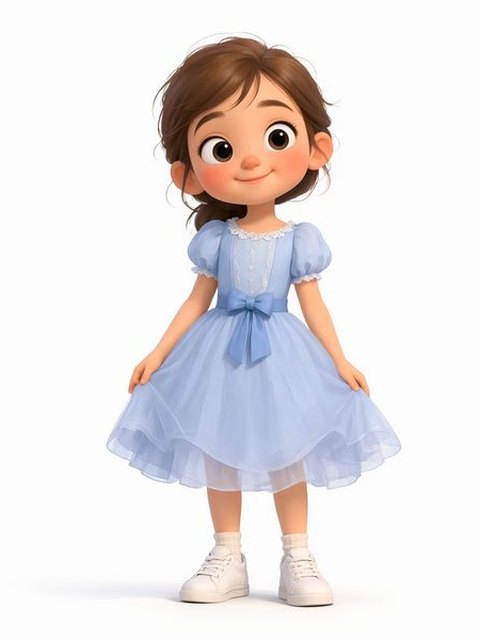
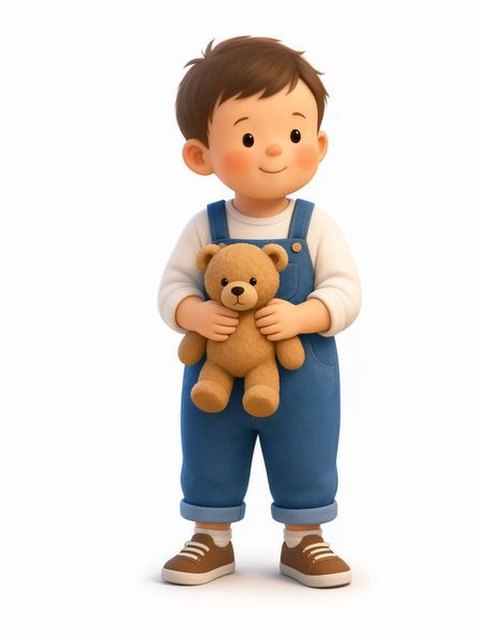
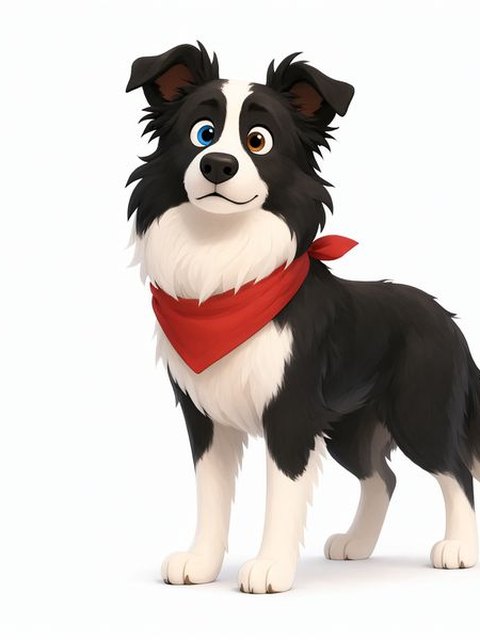
And these are pages of a book they are in, every page drawn from those drawings:
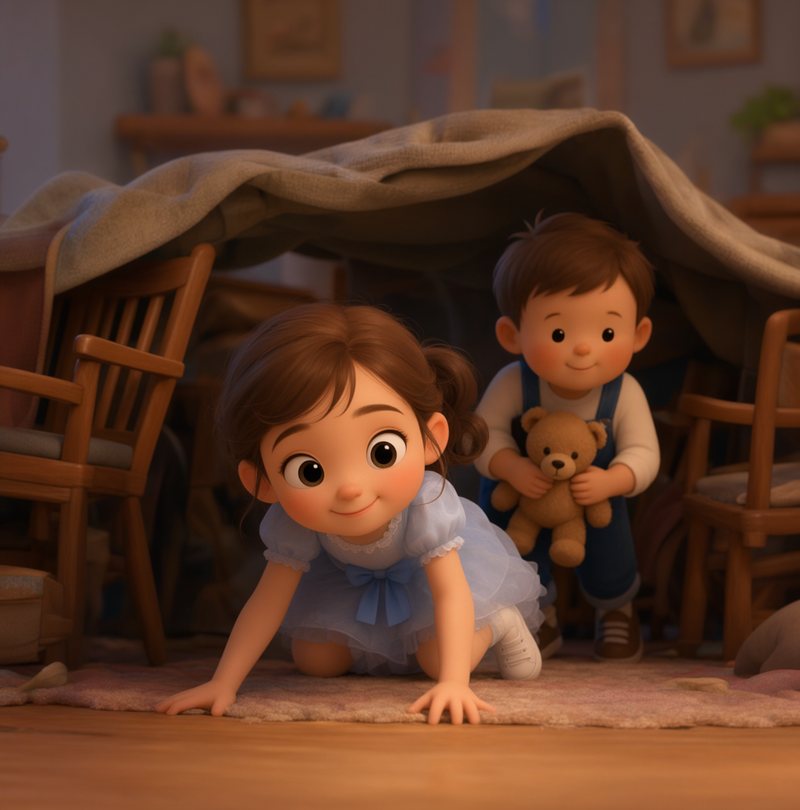
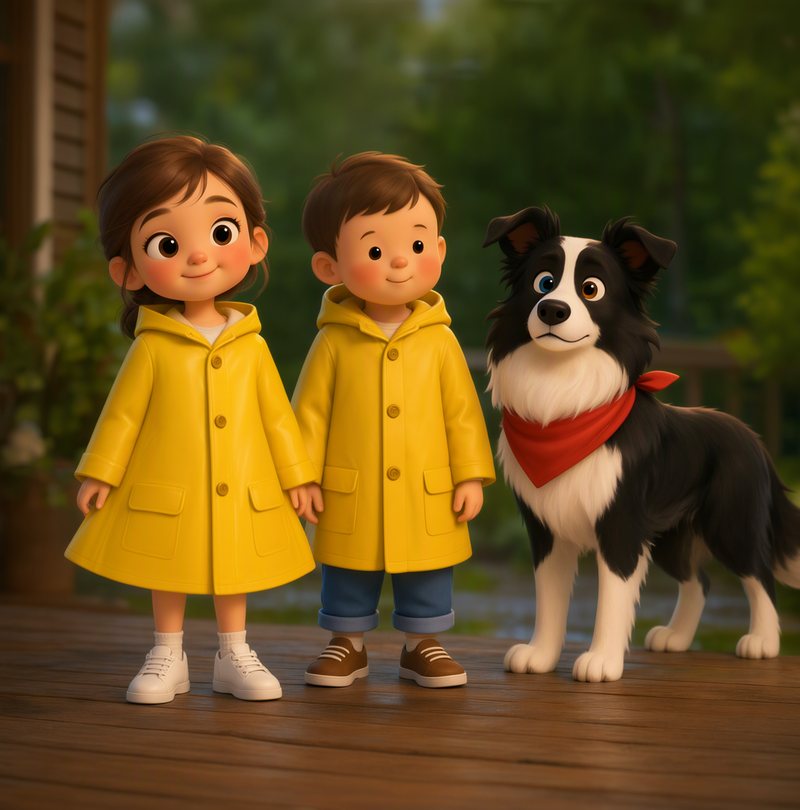
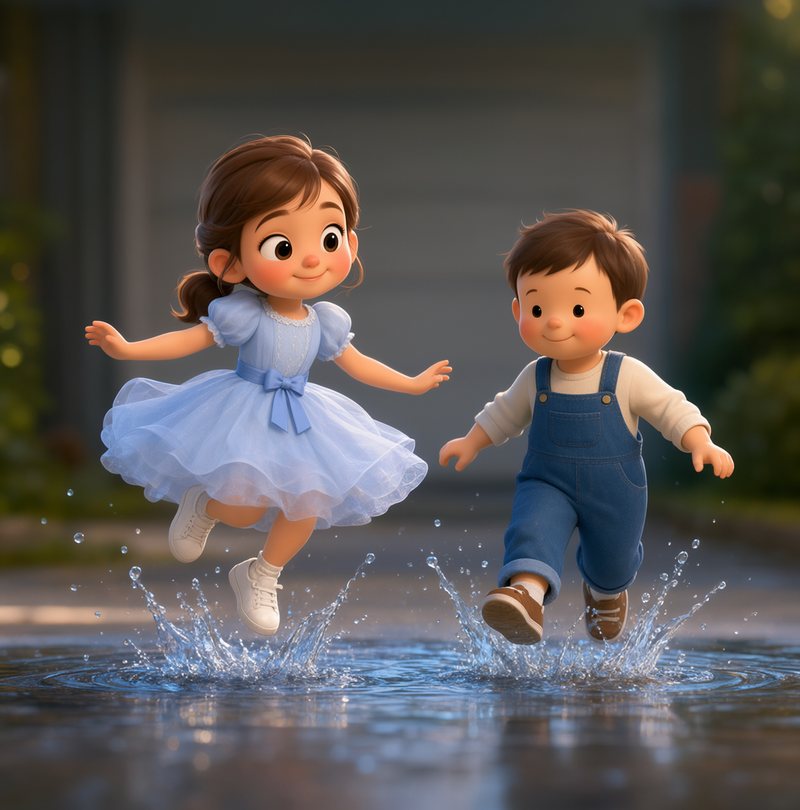
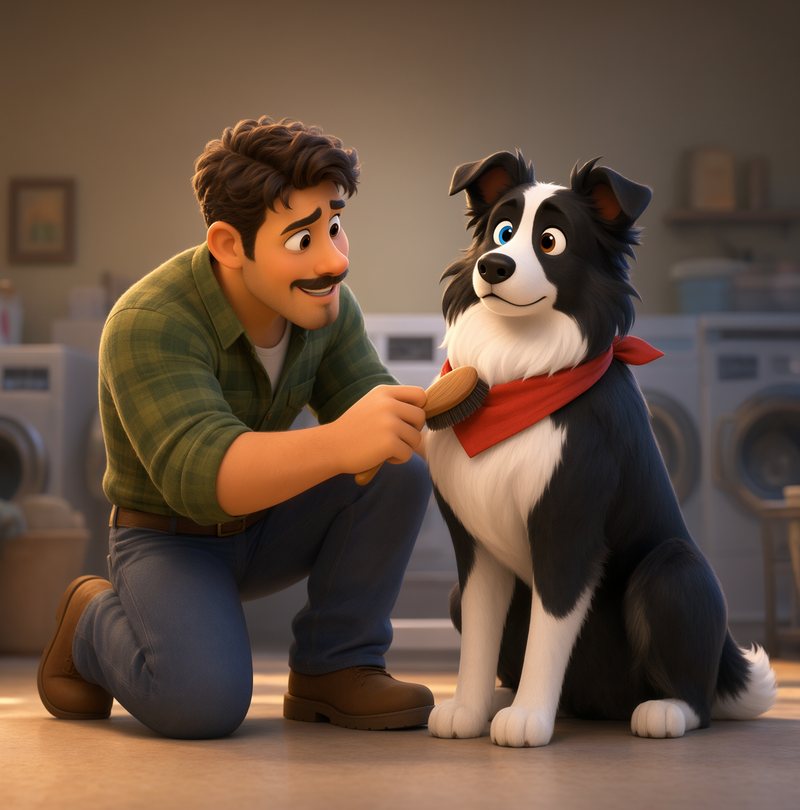
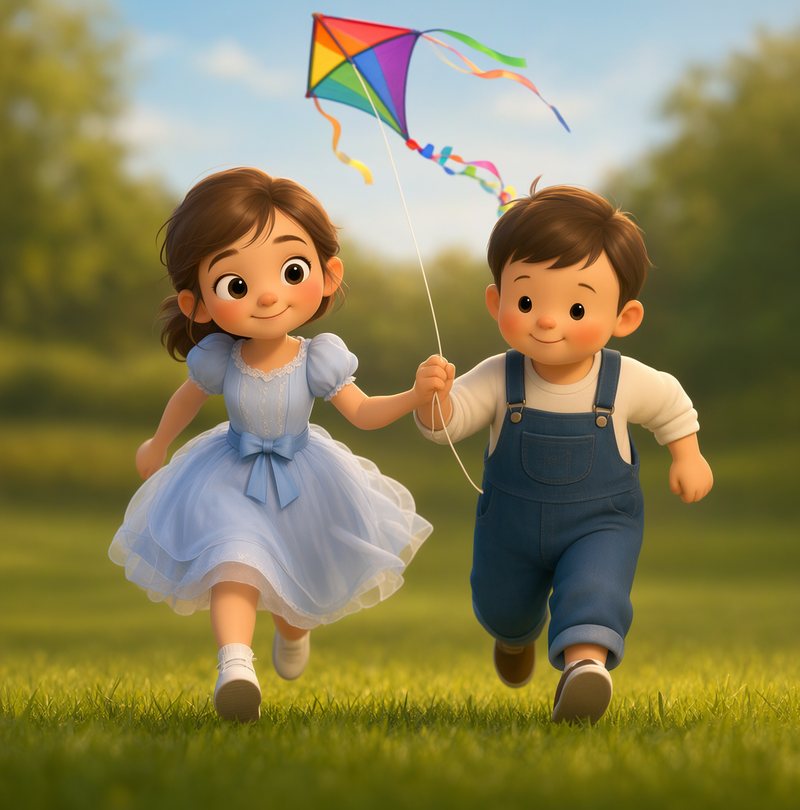
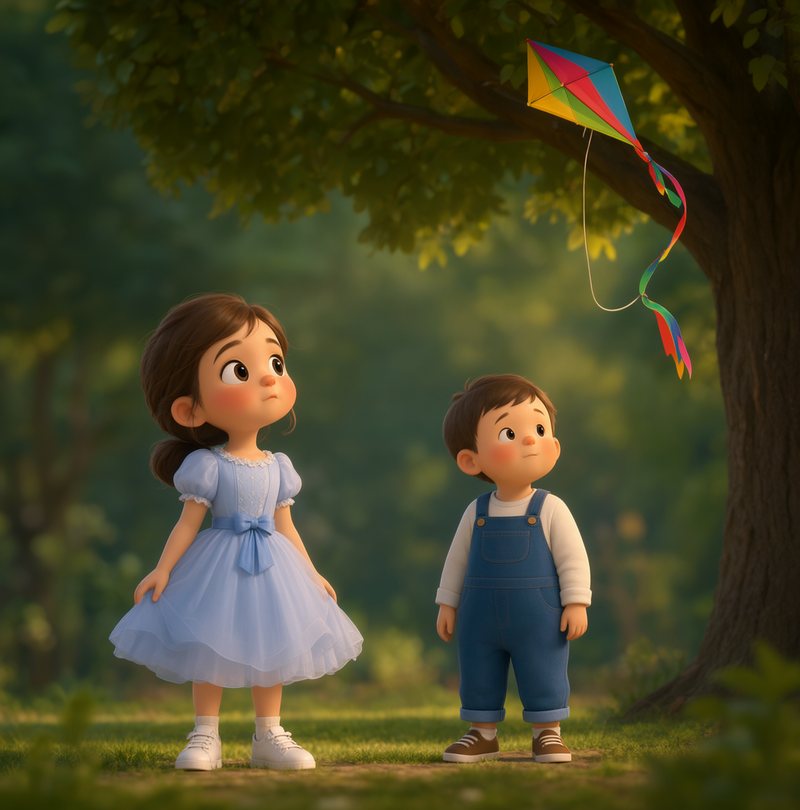
Drawn by TuckJoy: pages from The Rainy Saturday Adventure, one of TuckJoy's own books, free to read.
You can also fix a page's words yourself, free, without any picture changing, and play games made from your book's own pictures.
Questions
What is the difference between TuckJoy and Gemini Storybook?
Both make a short illustrated book from a line or two. TuckJoy draws your hero once as a character and draws every page from that drawing, so the hero looks the same on each page; your first book is free, then you pay once per book (10 pages $4.99, 18 pages $8.99, 26 pages $12.99). Gemini Storybook makes storybooks of about 10 pages in 45+ languages with read-aloud narration, inside the Gemini app.
Is TuckJoy free like Gemini Storybook?
Your first TuckJoy book is free, with no sign-in and no card. After that each book is one payment: 10 pages $4.99, 18 pages $8.99, 26 pages $12.99. Gemini Storybook is free for anyone 18 or over signed in to Gemini with a Google account.
What happens to my photos?
On TuckJoy, a photo is used to make your character, then deleted, and it is never used to train an AI model; every page is drawn from the character, not the photo. Google's Storybook page doesn't say what happens to photos you add.
Can I sell a book I make?
TuckJoy's Terms let you use your books and pictures for any personal or commercial purpose, including selling printed books. AI pictures may not be protected by copyright in some countries. Google's Storybook page doesn't cover selling.
TuckJoy is for anyone making something illustrated: bedtime stories and family keepsakes, gifts for a birthday or an anniversary, comics, cards, invitations and brochures.