Next for you
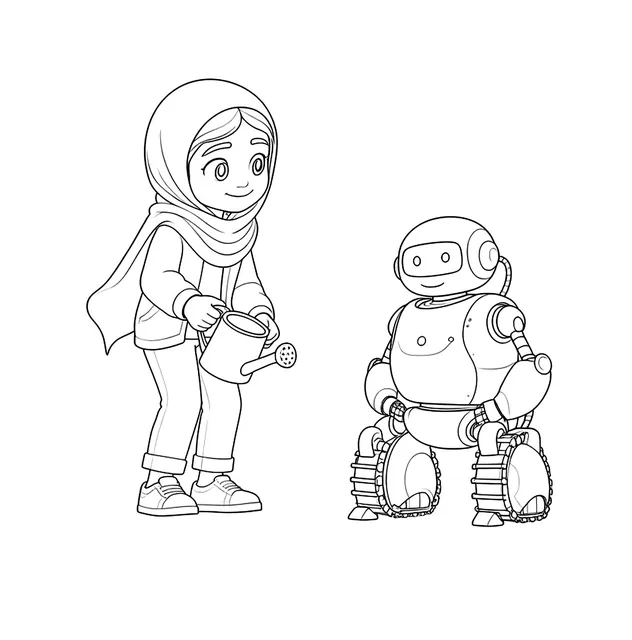
A picture book with your people in every page. Read it on screen, keep it as a paperback.
About these bookmarks
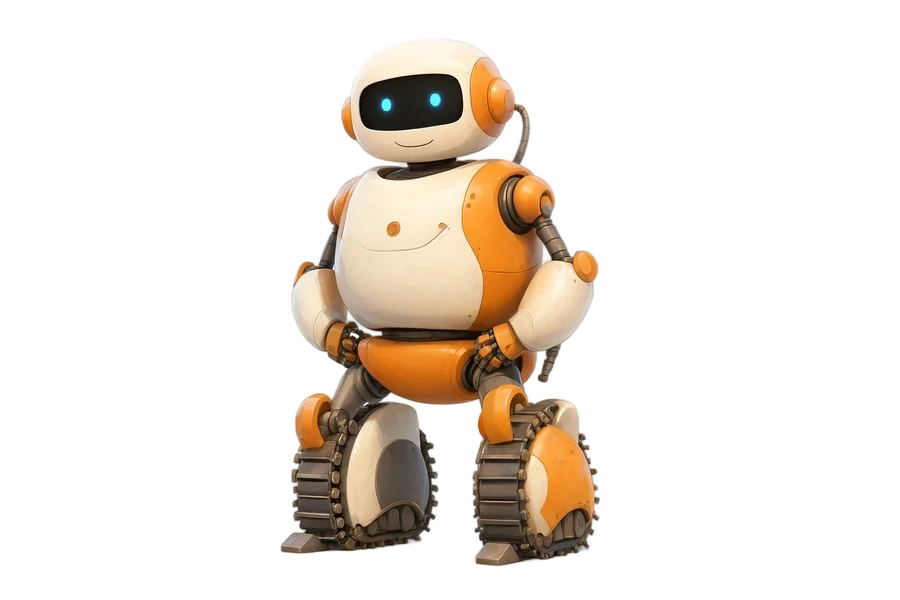
Robots come in every shape, so this set of six picks the tall ones for a bookmark. There is a robot stretching its long arms up to the top, a rocket blasting off, a stack of gears and cogs, a little robot reading a book, a robot dog on a spring, and a column of buttons and dials like a control panel. Choose bright colour, or line art for a child to colour in. Type one name, or paste a class list of up to 40 names so every bookmark carries one child's name. It suits a science week, a coding club or a reader who loves to build.
How to use it
- Choose colour or colour-in.
- Type one name, or paste a class list of up to 40 names.
- Pick A4 or US Letter and download the PDF.
- Print on thick paper and cut along the lines.
Ideas to try
- Give them out at a coding club or science week.
- Let children design extra buttons and dials when colouring.
- Pair one with a book about inventors or machines.
Who it's for
Teachers running a science, coding or technology week, and families with readers who love robots.
Questions
What is on the robot bookmarks?
A tall robot, a rocket, gears and cogs, a robot reading, a robot dog and a control panel strip.
Can the robot bookmarks go to a coding club?
Yes. Paste the club's list of up to 40 names and each bookmark carries one child's name.
Can I print bookmarks for a whole class?
Yes. Paste a class list of up to 40 names, one per line, and each bookmark carries one child's name.
Bookmarks in another theme

Tips for parents and teachers
Simple ways to get more out of these printables.
- Print on card of 160–250 gsm so the bookmarks hold up in a book.
- Use crayons, colour pencils or markers.
- Laminate them after colouring, before you cut them out, so they last.
- Punch the hole at the top and thread a ribbon or a piece of wool.