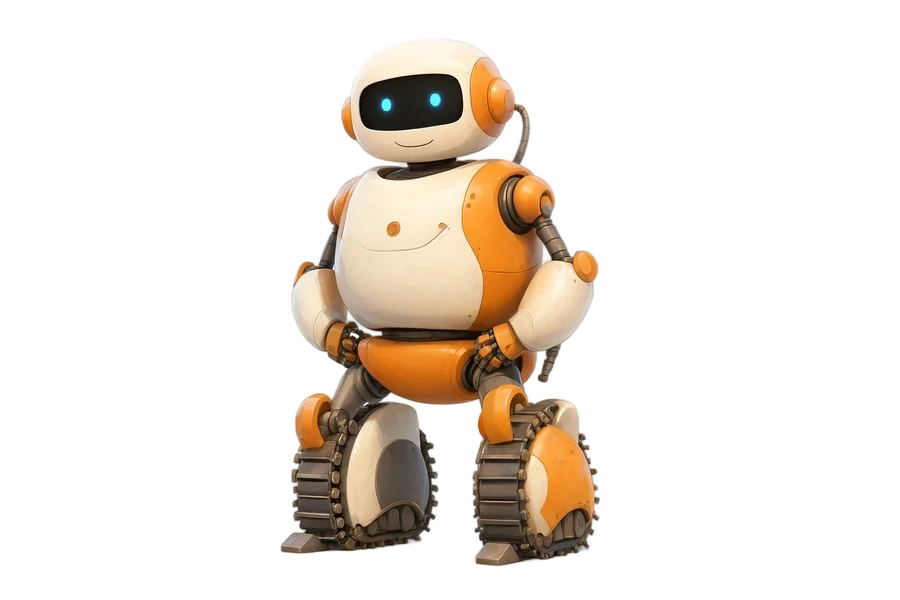
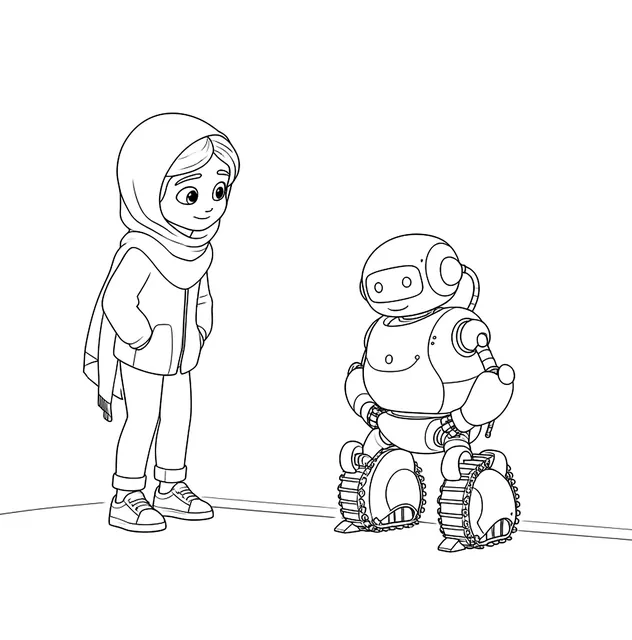
A robot from the recycling box
A wet afternoon and a recycling box are all an inventor needs. Cereal boxes make bodies, kitchen-roll tubes make arms, and bottle tops become buttons and eyes. Tape it together, then give the robot a name, a job and one special button that does something surprising. Older builders can add a cardboard dial with numbers and write down what each setting does. The colouring page of the inventor with a toaster robot is a good place to look for ideas. Finish with the counting sheets, where gears are waiting, and count every bolt and button on the new robot too.
- Boxes, tubes and bottle tops
- Give it one surprising button
Program a classmate
Robots follow instructions exactly, which is a fun thing for a class to act out. Mark a grid on the floor with tape and let one pupil be the robot while a partner writes a program in arrows: forward, forward, turn right, forward. The robot must follow it exactly, even into a chair, which usually brings laughter and quick debugging. Swap roles so everyone tries both. Afterwards, the mazes at three levels make a paper version: children write the arrows for their route before drawing it. One list of the class’s names is enough for every pupil to get their own named sheets.
- Tape a grid on the floor
- Write the route in arrows first
An inventors’ party with trophies
Turn the party into an inventors’ fair. Set out boxes, tape, foil and pipe cleaners, and give each guest twenty minutes to build a robot. Then hold a show where every inventor explains what their robot does. Hand out paper trophies for funniest, tallest, most helpful and best beeps, so everyone wins something, just like the inventor and robot winning a trophy in the colouring page. A robot dance-off, with stiff arms and jerky turns, burns off energy before food. Going-home bags can hold a robot dot-to-dot that already shows its new owner’s name.
- Twenty minutes to build a robot
- A trophy for every inventor
Robots at work in the real world
Robots are already everywhere, just not always shaped like people. Arms in factories build cars, small rovers have driven across Mars sending photos home, and underwater robots explore parts of the deep sea no diver can reach. Some vacuum floors, some carry supplies along hospital corridors, and some sort letters. Every robot needs three things: sensors to notice the world, a controller to decide, and motors to move. Ask children to pick a job at home and design a robot for it, drawing the sensors, the brain and the moving parts. Label each one with a word they have just learned.
- Sense, decide, move
- Design a robot for one household job
Gardening with Beep
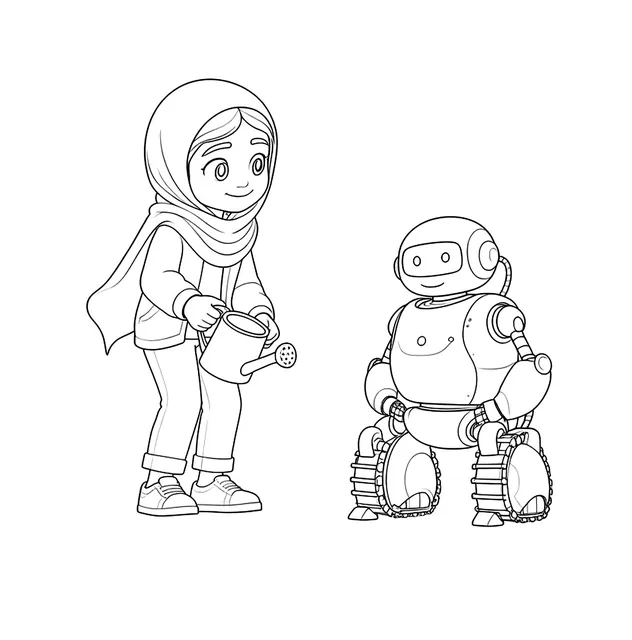
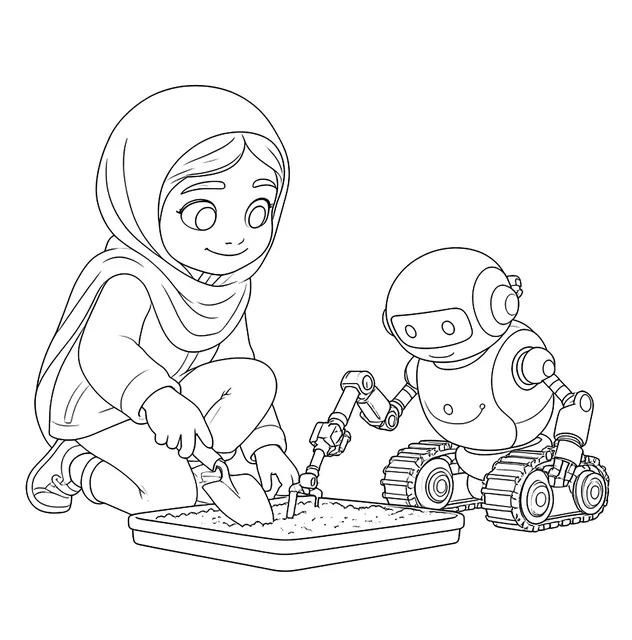
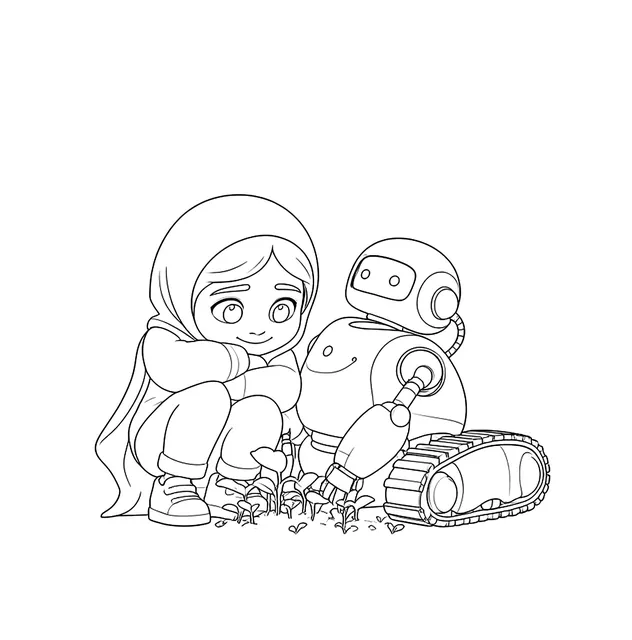
Beep spends a lot of time in the garden in the colouring pages: watering, digging and looking closely at plants. Copy the idea with a pot of cress or a bean in a jar, and make the child the robot’s data officer. Every morning, measure the shoot with a ruler and record it in a table, just as a robot sensor would log readings. After a week, draw the results as a simple chart. Talk about what plants need, water, light and warmth, and test one by keeping a second pot in a cupboard. Colour the girl observing plants with a robot while waiting.
- Measure the shoot every morning
- One pot in the light, one in the dark
Gears, magnets and moving parts
Gears are wheels with teeth, and when two meet, they turn in opposite directions. Cut two circles of card, add teeth around the edges and pin them to a board so children can turn one and watch the other spin the other way. A big gear turning a small one makes the small one go faster. Next, test magnets around the house: which things stick, which do not, and does a magnet still work through paper? Record the results in two columns. The memory cards in this pack pair magnets with drones, a good reminder afterwards, and the mazes wind inside a robot’s outline.
- Two card gears turn opposite ways
- Sort what sticks to a magnet